
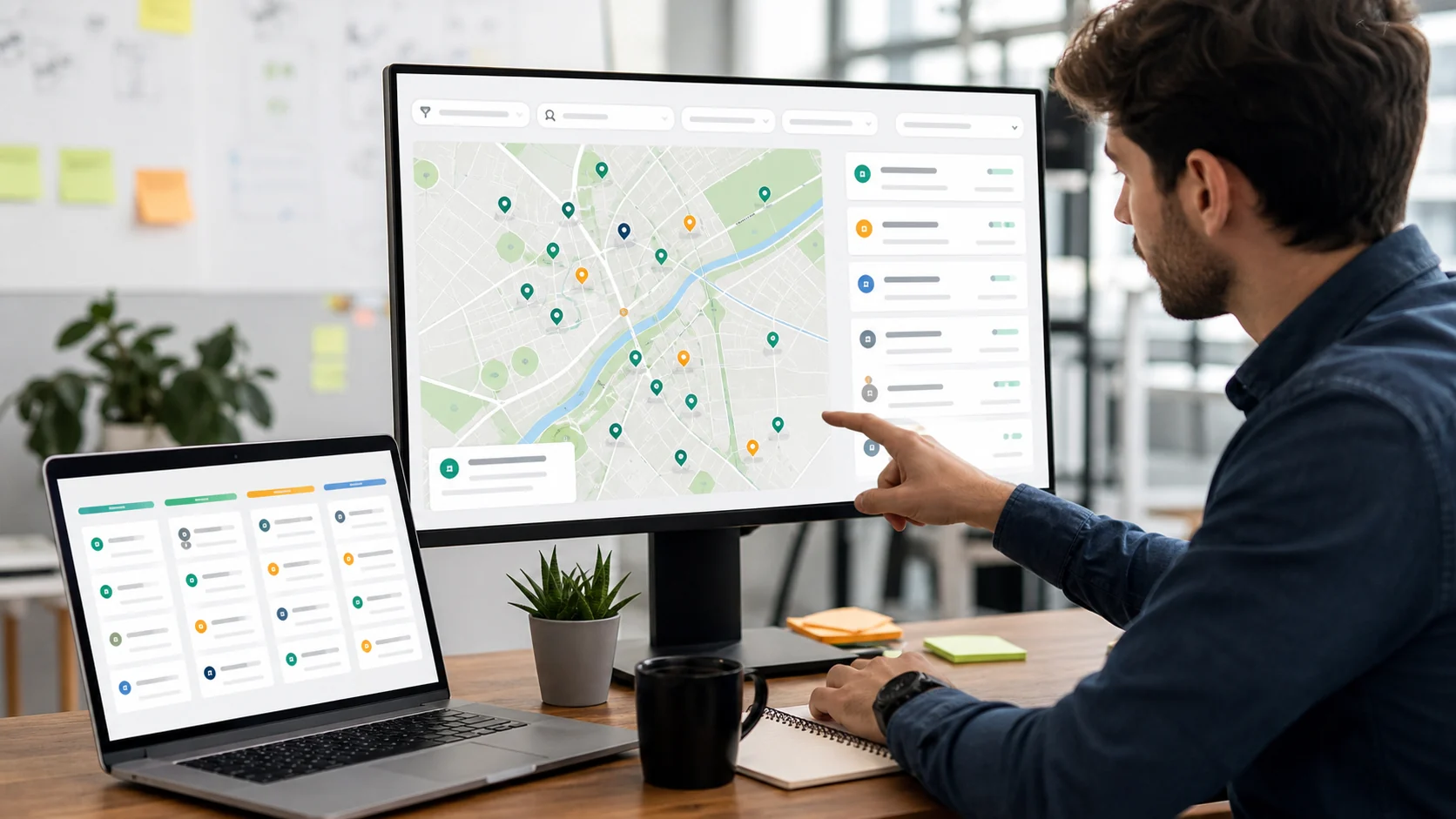
Why Google Maps Lead Generation Works for Agencies
Agencies need prospects that match a real service area. A national B2B database can be useful for corporate accounts, but local growth teams usually care about businesses in a specific city, category, or neighborhood. Google Maps is one of the best starting points because it reflects businesses that are active, discoverable, reviewed, and tied to a location.
The problem is that raw map data is not a finished prospect list. You still need contact details, websites, review signals, categories, and clean exports before a salesperson can do anything useful with it. That is where a lead generation workflow matters.
Start with a Narrow Local ICP
Do not begin with "all restaurants" or "all clinics." Start with a segment your agency can actually sell to:
- Italian restaurants in Manchester with 50+ reviews
- Dental clinics in Austin with a website but weak local SEO
- Gyms in London with strong reviews and no visible paid ads
- Roofing companies in Florida with a phone number and website
The narrower the search, the easier it is to write outreach that feels specific. A focused list of 300 businesses usually beats a generic list of 5,000.
What to Collect from Google Maps Data
A useful Google Maps lead generation process should collect more than names and addresses. At minimum, your list should include:
- Business name and category
- City, address, and service area
- Phone number and website
- Review score and review count
- Social profiles where available
- Verified email where available
- Notes about fit, urgency, or outreach angle
Review data is especially useful for agencies. A company with many reviews but a weak website may be a good web design prospect. A company with a 3.8 rating and recent negative reviews may need reputation management. A company with no social profile may be a fit for content or ads.
Use a Tool Instead of Maintaining a Scraper
Scrapers can work, but they create operational drag: proxies, blocked requests, parsing errors, duplicates, missing emails, and exports that need cleaning. Agencies usually need usable prospects, not a technical side project.
Margo's Google Maps scraper alternative is built for the sales workflow. Search by niche and city, review the businesses, then export local business leads with phones, websites, review data, social profiles, and verified emails where available.
Segment Before Outreach
Before sending a campaign, divide your list into groups:
- High-fit businesses with strong review volume and clear website issues
- Mid-fit businesses that need more research before outreach
- Low-fit businesses with missing data or weak signs of demand
This prevents one-size-fits-all messaging. For example, a restaurant with great reviews but no online ordering page should receive a different pitch than a restaurant with poor reviews and an active Instagram profile.
Compare Margo with Clay and Generic Scrapers
Clay is powerful for GTM teams that want to assemble complex enrichment tables. Generic scrapers are useful for technical users who want raw records. Margo sits in the middle: it is built for agencies that want local business leads quickly, with less setup and fewer cleanup steps.
If your goal is to build a campaign-ready local list, start with local business leads and move to enrichment only when you need advanced workflows.
A Simple Agency Workflow
- Pick one vertical and one location.
- Search for that niche in Margo.
- Filter the list by website presence, review count, and contact availability.
- Export the highest-fit prospects.
- Write one outreach angle per segment.
- Track replies and remove bad-fit businesses from future campaigns.
This workflow is simple enough to repeat every week. It also gives your team a steady source of local businesses instead of relying on stale spreadsheets.
When Google Maps Lead Generation Is Not Enough
Google Maps data is strongest for local businesses with a physical presence or service area. It is weaker for enterprise accounts, remote-first software companies, or buyers who do not appear in local search. For those segments, combine Google Maps data with LinkedIn B2B searches or a dedicated professional database.
Margo supports both local business discovery and LinkedIn-style B2B prospecting, so agencies can move between local SMB campaigns and professional buyer searches without changing tools.
Start with One Local Campaign
The best way to test Google Maps lead generation is to run a small, focused campaign. Pick one city, one category, and one offer. Build a list, segment it, and send a short outreach sequence. The result will tell you more than any broad market database.
For a practical next step, try building a local business lead list or review the agency use case for workflow ideas.