
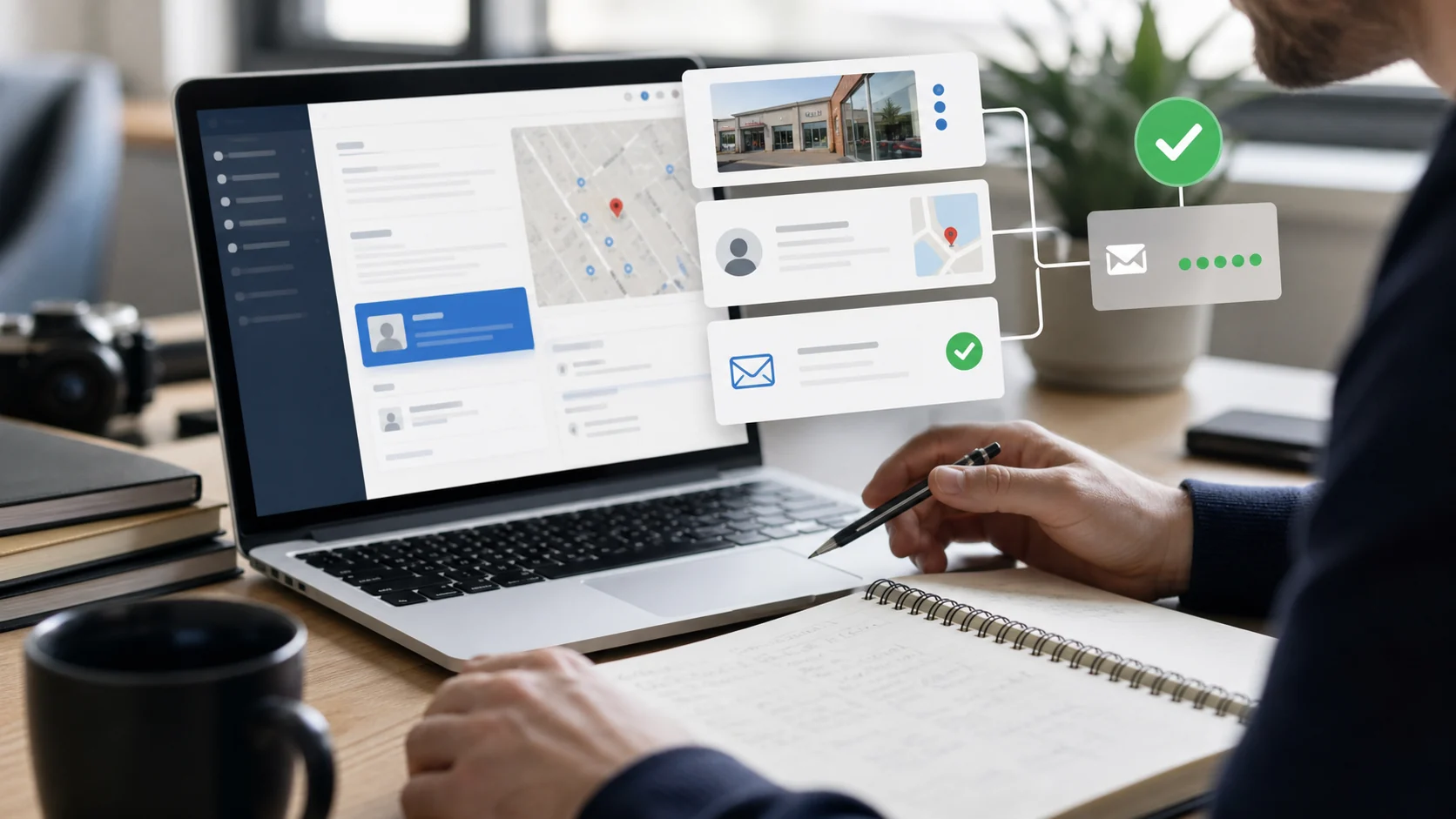
Finding a business owner's email address starts with one question: do you already know the business you want to contact, or are you building a list from scratch? For one-off research, use the company's website, Google search operators, Google Maps, and LinkedIn. For local business prospecting at scale, Margo helps you find local businesses by niche and city, then returns verified business emails, phone numbers, websites, review data, and social profiles where available.
Here are five approaches, ranked from fastest for one-off lookups to most scalable for bulk prospecting.
1. Check the Business Website Directly
For a single target, start here. Go to the company's Contact, About, Team, or Privacy page. Many small and local business owners list a direct email address, especially when they are still handling sales, bookings, or customer support themselves.
Check the footer too. Sole traders, consultants, tradespeople, and owner-operated shops often put their business email there because they handle everything themselves.
Works for: One-off outreach, referral follow-up, and high-value targets where you are doing deep personalization.
Limit: It does not scale. Many owners only list a contact form, and some sites route every message through a generic inbox like info@ or hello@.
2. Use Google Search Operators
Search operators can surface email addresses that are publicly indexed but not easy to find from the navigation menu.
Try searches like:
site:businessdomain.com "@businessdomain.com"
"owner" "email" "business name"
"founder" "business name" "email"
For very small local businesses, you can also try:
"@gmail.com" "business name" "owner"Owner-operated businesses sometimes use Gmail or Outlook addresses for professional contact. Treat these carefully: if the address appears personal rather than business-related, make sure your outreach is relevant, respectful, and compliant with your local rules.
Works for: Niche prospecting when you have a specific business in mind.
Limit: It is time-intensive. You will sift through old PDFs, directory pages, cached snippets, and irrelevant mentions.
3. Search Google Maps
Google Maps is one of the best starting points for local business owner contact research because the listing usually gives you a business name, phone number, website, category, address, and review profile in one place.
The Maps listing may not show an email directly. The real value is that it sends you to the right website and confirms that the business is active. For local businesses like plumbers, dentists, salons, gyms, accountants, restaurants, or cleaning companies, this is often the fastest path to a real decision-maker's business contact rather than a stale database record.
If you are building a larger list, use a tool built around local business discovery instead of opening every Maps listing manually. Margo's Google Maps lead generation workflow helps you search by niche and city, then export local business leads with websites, phones, reviews, social profiles, and verified emails where available.
Want to build the list instead of checking one business at a time? Search one niche and city in Margo, then export businesses with websites, phones, review data, and verified emails where available. Try Margo, or compare the workflow on the email finder tool.
Works for: Local business prospecting, city-by-city market research, and agency outreach.
Limit: Manual Google Maps research gets slow once you need more than a few dozen businesses.
4. Use LinkedIn to Confirm the Right Person
LinkedIn is useful when you need a name, not just a company inbox. Search by title terms like Owner, Founder, Principal, Managing Director, Partner, or Director, then filter by industry and location.
LinkedIn usually will not show an email unless the person lists it publicly or you are connected. Its best role is verification: confirm who runs the business, then use that name with another method.
For example, if Google Maps gives you a dental clinic website and LinkedIn confirms the principal dentist, you can search the website for that person's contact details or use an email finder tool to check whether a verified business email is available.
Works for: Confirming the right contact before outreach and finding a name to pair with a domain.
Limit: It adds cost and friction at scale, especially if you rely on paid LinkedIn workflows.
5. Use an Email Finder Tool
An email finder tool is the fastest method when you need more than one or two contacts. The tool takes a business name, domain, location, or contact name and returns a verified email address when one is available.
For local business prospecting specifically, Margo's email finder tool is built around list building, not just one-off lookup. You search by business type and location, and Margo returns local business profiles with verified emails, phone numbers, websites, review data, and social profiles already attached.
That matters because most outreach campaigns fail before the first email is written. The hard part is not only finding an address. It is building a clean, relevant list of businesses that match your offer.
This is how agencies, founders, and SDRs find local business leads without spending hours copying data from search results into spreadsheets.
Works for: Building targeted prospect lists fast, from 100 businesses to thousands.
Limit: No email finder can find an email for every business. Some businesses do not publish one, and some addresses cannot be verified confidently.
Which Method Should You Use?
| Scenario | Best method | Why |
|---|---|---|
| One specific target | Website plus Google search operators | Fastest path when you already know the company |
| Local business list by industry and city | Margo email finder | Finds businesses and contact data in the same workflow |
| Known company, need the right person | LinkedIn plus email finder | Confirms the decision-maker before lookup |
| Researching a niche local market | Google Maps plus Margo | Combines real local listings with scalable export |
| High-value account | Manual research plus verification | Worth the extra time for personalization |
How to Build a Local Business Email List with Margo
- Pick one business type, such as dentists, gyms, roofers, accountants, restaurants, or salons.
- Choose the city or country you want to target.
- Run the search in Margo.
- Review the business profiles, including websites, phone numbers, review counts, ratings, and social profiles.
- Export the businesses with verified emails where available.
- Segment the list before outreach, for example by review count, website quality, or city.
This workflow is better than scraping broad lists because it starts with fit. A smaller list of relevant businesses usually beats a large list of vague contacts.
A Note on Email Verification
However you find an email, verify it before you send. Bounces damage your sender reputation and can get future campaigns flagged as spam.
Margo verifies emails on lead requests and includes an emailVerified flag so you can see which addresses are more suitable for outreach. If you source emails manually, run them through a verification step before adding them to a campaign.
What to Do Once You Have the Email
Keep the first email short. Three to five sentences is enough. Reference why the business is relevant, make one clear point, and ask one simple question.
Local business owners are not looking for a pitch deck in their inbox. They are looking for whether you understand their business and whether your ask is easy to answer.
If you are prospecting local businesses at scale, the bottleneck is rarely the email copy. It is having the right list in the first place. That is the part worth systematizing.
FAQ
What is the fastest way to find a business owner's email address?
For one business, check the company website and use Google search operators. For a list of local businesses, use an email finder tool like Margo so you can find businesses and verified emails in the same workflow.
Can Google Maps show business owner email addresses?
Google Maps usually shows the business website and phone number rather than the owner's direct email. The listing is still useful because it confirms the business, category, location, and website before you look for contact details.
Does Margo guarantee the owner's personal email?
No. Margo returns verified business emails where available, plus phone numbers, websites, review data, and social profiles. Some emails may be owner-operated inboxes, but Margo does not claim that every address is the owner's personal email.
What should I do if I can only find a generic email address?
Use the generic inbox if it is the only public business contact, but make the message specific. Mention the business, location, or service category so it does not read like a mass email.
Can I try Margo for free?
Yes. You can try Margo with no credit card required, then choose a paid plan when you need more capacity.
Start Finding Local Business Leads
Start with one niche and one city. Build a clean list, verify the available emails, and send a short message that is specific to that business type.
Try Margo or explore the email finder tool.