
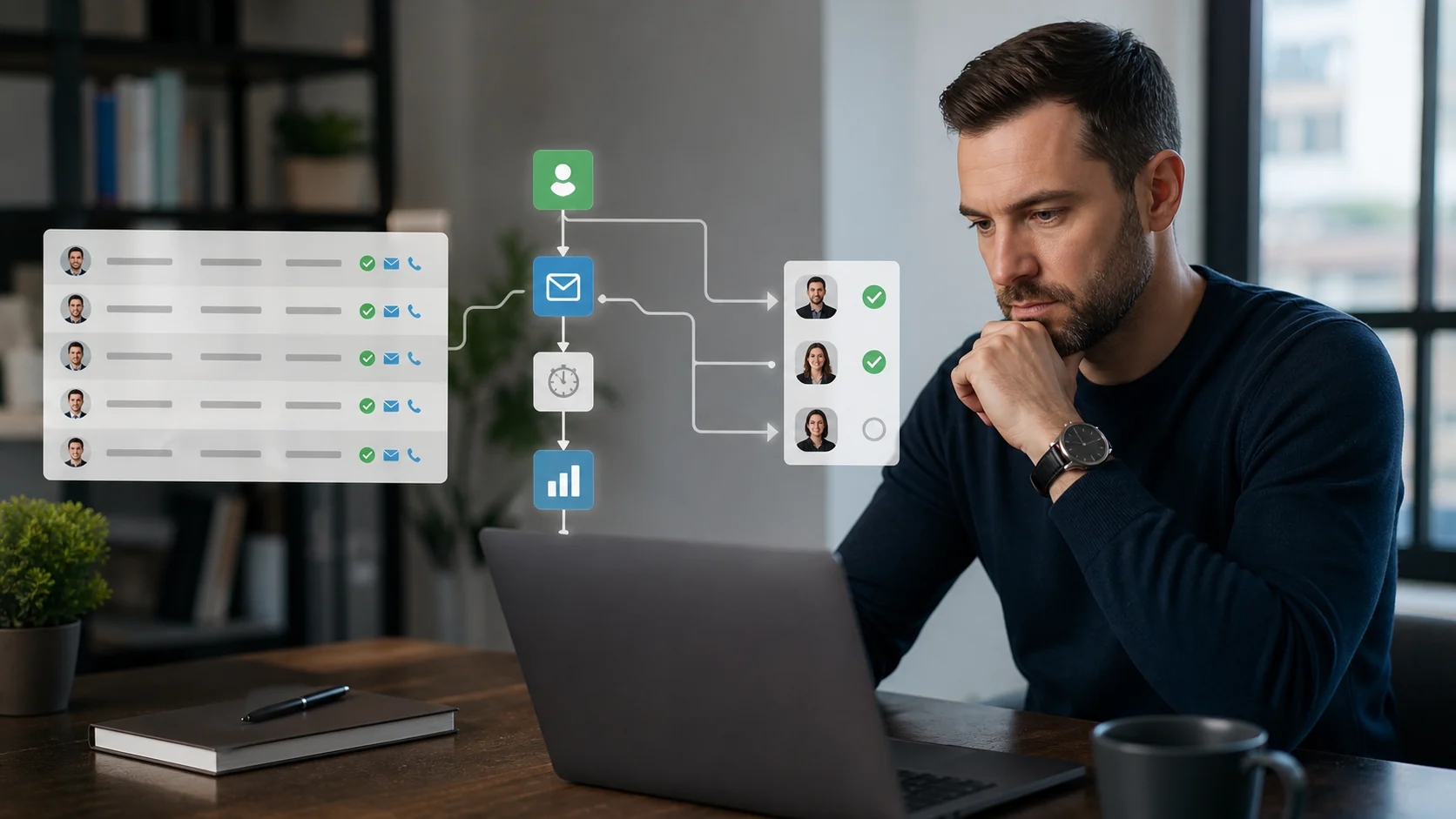
Automated lead generation works best when the data layer is clean before the outreach sequence starts. Most guides focus on CRM workflows, email steps, and lead scoring, but the real bottleneck is upstream: who are you contacting, and is the contact data verified? Margo helps teams automate local business lead generation by finding businesses by niche and location, then returning verified emails, phone numbers, websites, review data, and social profiles where available.
What Automated Lead Generation Actually Means
Automated lead generation uses software to handle the repetitive parts of finding, enriching, organizing, and contacting prospects. The goal is not to remove human judgment. The goal is to stop spending hours copying business names, websites, and contact details into spreadsheets.
A working automated lead generation system has three parts:
- Discovery: finding prospects that match your ideal customer profile.
- Enrichment: collecting useful contact and context data.
- Outreach: sending relevant follow-up through your chosen sales tool.
Most teams jump straight to outreach automation. That is why their systems feel busy but produce weak results. If the list is stale, generic, or unverified, the sequence can only automate the wrong work faster.
The Data Layer Is the Real Bottleneck
Traditional lead generation advice often starts with a static database. Export a list, upload it to a sender, and let the sequence run.
That can work when the database matches your market. It breaks down when your buyers are local businesses, owner-operated companies, or niche service providers that do not appear cleanly in corporate B2B databases.
For local businesses like restaurants, contractors, clinics, salons, gyms, and agencies, the first problem is discovery. You need to find the businesses first, then collect usable contact details. An email sequence cannot solve that part for you.
Why Local Business Lead Generation Needs a Different Workflow
If your ICP is a local business, the automated lead generation stack most guides recommend does not fully apply.
LinkedIn is useful for professional contacts, but it is not the best source for every dentist, plumber, gym, or restaurant in a city. Email finder tools are useful when you already know the domain, but they do not always help you discover the businesses you should target in the first place.
That is the gap Margo is built around. You can search by niche and location, then build a list with business names, websites, phone numbers, review signals, social profiles, and verified emails where available.
How to Automate Local Business Lead Generation
Start with the data source, not the sender.
Step 1: Discover businesses from a live local source
Google Maps lead generation is one of the most direct paths to local business data. Search by keyword and city to find businesses that actually exist in that market, with location, website, phone, category, and review context attached.
Margo turns that workflow into a repeatable search. Instead of opening dozens of Maps tabs, you type a niche and location, then get an export-ready list of matching businesses.
Step 2: Add verified contact details
Discovery without usable contact data is just a directory. The automation layer needs email verification, phone numbers, websites, and social profile context where available.
Margo verifies emails on lead requests and includes an emailVerified flag, so you can separate contacts that are ready for outreach from records that need more research.
Step 3: Export to your outreach workflow
Once the list is clean, export it to CSV and load it into your CRM or outreach sender. Business plan users can also use Margo's API for structured lead generation workflows.
This is where sequences, follow-ups, reply tracking, and CRM logging belong. Those tools work better when the data going into them is already relevant and verified.
Automated Lead Generation Workflow
| Step | Manual workflow | Automated workflow with Margo |
|---|---|---|
| Find prospects | Search Google Maps one result at a time | Search by niche and city |
| Collect context | Copy websites, phones, and reviews manually | Return websites, phones, reviews, and socials together |
| Find emails | Guess formats or check each site | Return verified emails where available |
| Prepare outreach | Clean spreadsheet manually | Export a segmented list |
| Scale | Repeat the same research work every week | Reuse the workflow by city or niche |
Connect This to a B2B Prospect List
If you are building a B2B prospect list, automated lead generation should start with a narrow ICP. Pick one vertical, one market, and one buying signal.
For example:
- Accountants in London with a website and 20+ reviews.
- Dental clinics in Austin with no visible social profile.
- Restaurants in Manchester with strong reviews and weak online ordering.
- Gyms in Chicago with a website and verified contact details.
Each segment gives you a better outreach angle than a broad "local businesses" list.
FAQ
What is automated lead generation?
Automated lead generation is the use of software to find, enrich, organize, and contact prospects with less manual research. The strongest systems automate the data layer first, then connect that list to outreach tools.
What is the first step in automated lead generation?
The first step is defining the exact type of prospect you want to reach. After that, source the data from a reliable place and verify the contact details before sending outreach.
Can automated lead generation work for local businesses?
Yes. Local business lead generation works best when discovery starts from location-based sources like Google Maps, then adds verified emails, phone numbers, websites, reviews, and social profiles.
Does Margo send cold emails for me?
No. Margo finds and enriches leads. You export the contacts and send outreach through your own CRM or email platform.
Can I try Margo for automated lead generation?
Yes. You can try Margo with no credit card required, then choose a paid plan when you need more capacity.
The Takeaway
Automated lead generation only works as well as the data it runs on. Start with verified, relevant contacts before adding sequence complexity.
Start finding local business leads free or learn more about Google Maps lead generation.