
Local Business Email Finder Tool: 2026 Guide
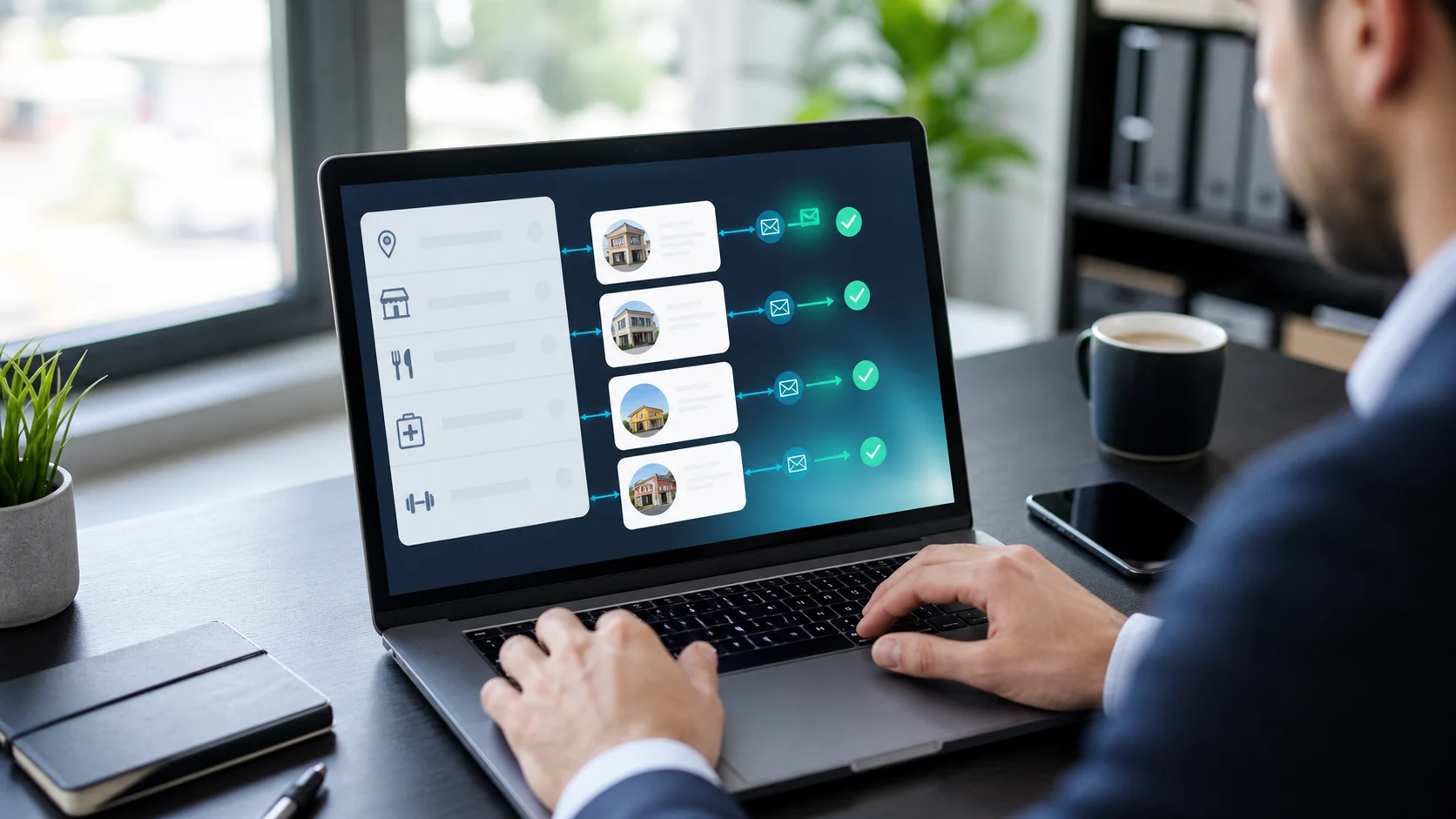
A local business email finder tool should do more than look up an address for a company you already know. For outbound to SMBs, the useful workflow is to find local businesses by niche and city, return verified emails where available, and show enough business context to decide whether the contact is worth pursuing. Margo does this by combining local business discovery with emails, phones, websites, Google review data, social profiles, and Google Maps links in one exportable list.
Most email finder advice is built for B2B SaaS prospecting. It assumes you already have a company domain, a LinkedIn profile, or a person's full name. That works for finding a sales director at a software company. It is less useful when you need every dentist in Austin, every med spa in Manchester, or every independent restaurant in Toronto.
Local businesses are messier. Some have a website, some only have a Google Maps listing, some use a Gmail address, and some publish a phone number but no email. A good local workflow needs to handle all of that without turning prospecting into manual copy-paste.
What is a local business email finder tool?
A local business email finder tool helps you discover businesses in a geographic market and find usable contact details for outreach. The best version combines three jobs:
- Find the businesses by category, keyword, city, and country.
- Return contact fields such as verified email, phone, website, and social profiles.
- Add qualification context such as review score, review count, category, address, and Maps URL.
That is different from a traditional email finder. A traditional tool usually starts with a known domain or person and tries to find a likely email pattern. A local business workflow starts with the market: "plumbers in Dallas," "wedding photographers in London," or "salons in Sydney."
For agencies, freelancers, SDRs, and founders selling to local businesses, that difference matters. You do not just need an email. You need a list of businesses that match your niche, location, and reason for outreach.
Why do normal email finder tools miss local businesses?
Many email finder tools are strongest when the target business has a polished website, employee profiles, LinkedIn activity, and a predictable company email domain. Local SMBs often do not fit that pattern.
Common problems:
- The business has no website listed.
- The website uses a generic contact form.
- The owner uses Gmail, Outlook, or an ISP email address.
- The business has a Google Maps listing but no visible team page.
- The company name is similar to many other local businesses.
- The useful contact is a shared inbox, not a named employee.
That does not mean the business is a bad prospect. It means the lookup method has to match the market.
For example, Hunter.io is useful when you already have a domain and want to find or verify emails from that domain. Apollo is useful when your buyer lives in LinkedIn-style B2B data. But if you are building a local list from scratch, you need discovery first. Margo is built around that local business lead generation workflow.
What should you look for in a local business email finder?
Use this checklist before choosing a tool:
| Requirement | Why it matters for local SMB outreach |
|---|---|
| Niche and city search | Lets you build lists like "roofers in Phoenix" or "dentists in Leeds" without manual Maps browsing |
| Verified email where available | Reduces bounce risk and helps protect sender reputation |
| Phone number fallback | Many local businesses answer calls faster than cold emails |
| Website URL | Shows whether the business has an owned conversion path |
| Google rating and review count | Helps you prioritize active businesses and visible opportunity signals |
| Social profile fields | Useful when the business has no strong website but is active on Facebook, Instagram, or LinkedIn |
| Export-ready records | Saves time when moving the list into a CRM, spreadsheet, or outreach tool |
How does Margo find local business emails?
Margo starts with local business discovery. You choose a business category or keyword, select a country and city, and Margo returns matching local business profiles. Each profile can include business name, email, emailVerified status, phone, address, website, Google review score, review count, Google Maps URL, categories, and social profiles where available.
The emailVerified field matters because not every local business has a findable email. Margo is honest about that. Some records will have a verified email. Some will have a phone number, website, Maps listing, or social profile instead. That still gives you a contact path and enough context to decide the next step.
A practical workflow:
- Pick one niche and one city.
- Search that niche in Margo's local business source.
- Review emailVerified, email, phone, website, social profiles, rating, and review count.
- Keep businesses with a usable contact path and a clear reason for outreach.
- Export the list.
- Send outreach from your own CRM, inbox, or cold email platform.
Margo finds leads. It does not send cold emails for you. That separation keeps the workflow clean: Margo builds the list, your outreach tool handles sending and replies.
How should you qualify local business email leads?
Use a simple contact-path score before you export.
| Signal | Score |
|---|---|
| Verified email available | +3 |
| Phone number available | +2 |
| Website listed | +2 |
| Google rating and review count show active demand | +2 |
| Facebook, Instagram, or LinkedIn profile present | +1 |
| No website, weak reviews, or missing socials create a clear outreach reason | +2 |
| No email, no phone, and no website | -4 |
Example: a med spa with a verified email, phone number, 4.4-star rating, 180 reviews, and no strong website is a high-priority web design or booking-flow lead. A contractor with no email but a phone number, weak reviews, and an active Maps listing may still be useful if your outreach sequence includes calls. A business with no contact path and almost no activity should usually be skipped.
The goal is not to collect the most rows. The goal is to build a list where each row has a credible next action.
What outreach angle works best?
The email is only half the job. The reason for contact is what makes the message worth reading.
Weak outreach:
Hi, we help local businesses grow. Are you interested?Better outreach:
Hi [Name],

I was looking at [niche] businesses in [city] and noticed [Business Name] has strong Google reviews, but the website linked from your listing makes it hard to find [booking/pricing/services/contact].

That is usually a fixable conversion issue. Want me to send a short 3-point teardown?
Another example for missing contact paths:
Hi [Name],

I found [Business Name] while reviewing [niche] businesses in [city]. Your Maps profile is active, but I could not find a clear email or booking path on the website.

We help local businesses make it easier for ready-to-buy customers to contact them. Useful if I send over the quick fixes I noticed?
This is where local business data beats a plain email lookup. You can use the website, reviews, social profile, or missing contact field as the reason for outreach.
How does Margo compare with Hunter, Apollo, and Snov.io?
| Tool | Best for | Local business gap |
|---|---|---|
| Margo | Finding local businesses by niche/city and exporting contact + opportunity data | Built for local discovery, but not every business has a findable email |
| Hunter.io | Finding emails from known domains and verifying addresses | You usually need the domain or person first |
| Apollo | B2B contact database and sales-team prospecting | Stronger for LinkedIn-style B2B than local SMBs |
| Snov.io | Email finding, verification, LinkedIn workflows, and outreach tools | Better when the target already has a domain, profile, or B2B data trail |
For a direct comparison, see Margo's Hunter.io alternative page at /vs/hunter.
What should you export for outreach?
For each local business lead, export enough information to personalize and route the next action:
- Business name
- City and country
- Category
- Email and emailVerified status
- Phone number
- Website URL
- Google rating
- Review count
- Google Maps URL
- Facebook, Instagram, and LinkedIn URLs where available
- One outreach note, such as "no website," "weak reviews," "missing contact path," or "strong reviews but dated site"
That last note is important. It turns a raw list into a usable campaign. Without it, your outreach becomes generic again.
For more manual tactics, read the guide on how to find a business owner's email address.
FAQ
What is the best local business email finder tool?
The best local business email finder tool is one that discovers businesses by niche and city, returns verified emails where available, and includes context like phone, website, reviews, social profiles, and Maps links. Margo is built for that workflow.
Can I find emails for businesses on Google Maps?
Google Maps usually shows the business website, phone number, category, location, and reviews rather than a direct email. A tool like Margo can use local business discovery plus enrichment to return verified emails where available alongside the Maps context.
Why do some local businesses not have emails?
Some local businesses rely on phone calls, contact forms, social messages, or personal inboxes instead of publishing a business email. That is why a local prospecting list should include phone, website, social profiles, and Google Maps URLs, not only email.
Is a verified business email finder different from an email verifier?
Yes. An email finder searches for an address. An email verifier checks whether an address is likely deliverable. Margo includes email verification on generated leads, but still shows other contact fields when an email is not available.
Does Margo send cold emails?
No. Margo finds and enriches leads. You export the contacts and send outreach through your own CRM, inbox, or cold email platform.
Start with one focused local list
Pick one niche, one city, and one offer. Use Margo to find the businesses, check whether a verified email or fallback contact path exists, and keep only the prospects with a clear reason to contact them.
That is how you turn a local business email finder tool into a real outbound workflow.