
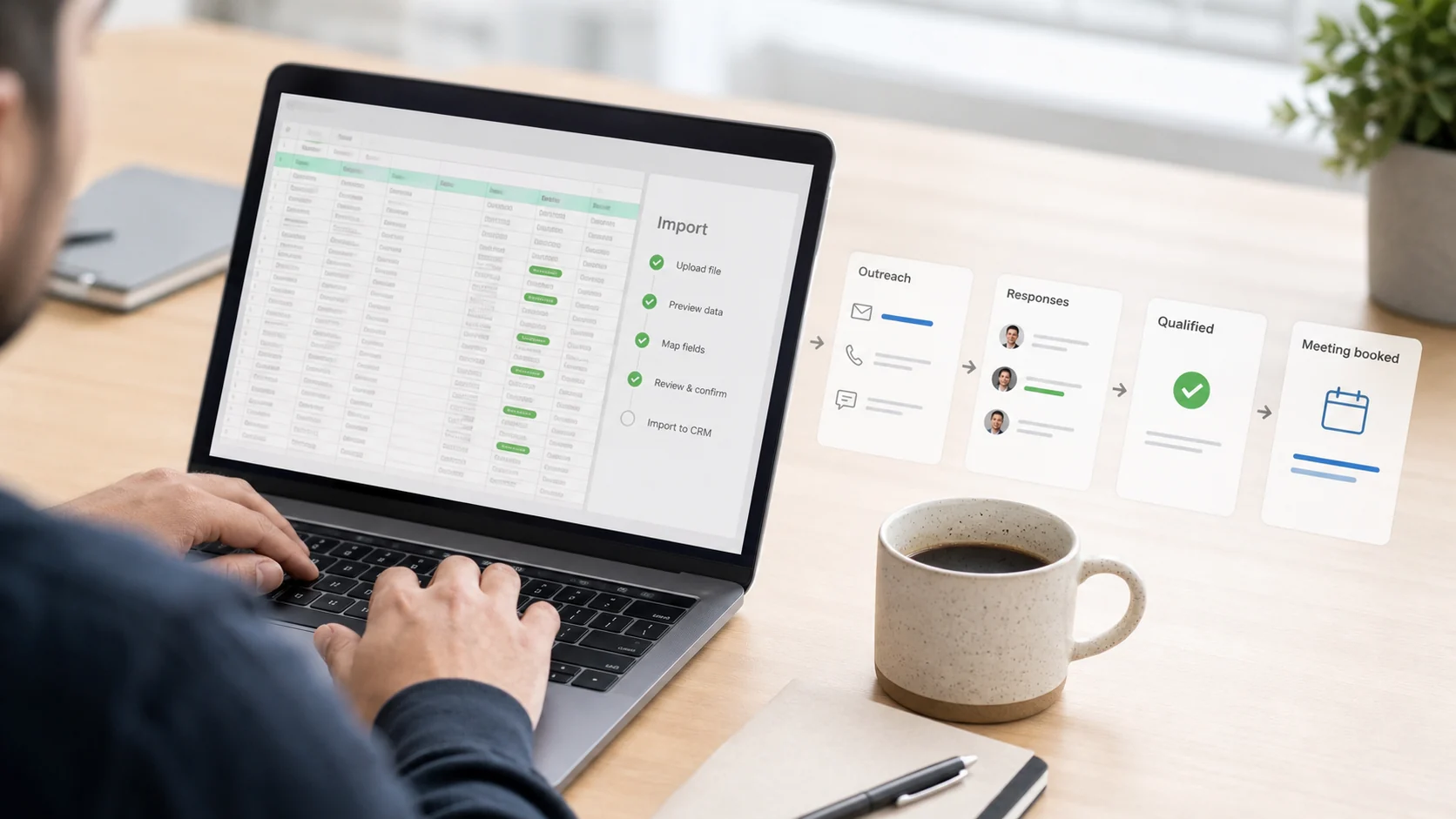
Why CSV Exports Are the Starting Line
A CSV export from Margo gives you structured lead data instantly. But the export is just the beginning — the real work is turning that list into conversations.
Step 1: Download and Clean Your Export
Open your Margo CSV in Google Sheets or Excel. Remove: <ul class="my-6 list-disc space-y-2 pl-6 text-[17px] leading-[1.85] text-slate-300 marker:text-sky-400"><li class="pl-1">Rows missing email or phone</li><li class="pl-1">Businesses with generic contact info (info@, contact@)</li><li class="pl-1">Duplicates</li></ul>
Step 2: Personalise at Scale
Add a column for personalisation notes. For each lead, add one specific observation: <ul class="my-6 list-disc space-y-2 pl-6 text-[17px] leading-[1.85] text-slate-300 marker:text-sky-400"><li class="pl-1">"No website"</li><li class="pl-1">"Last review 8 months ago"</li><li class="pl-1">"3.2 stars — lots of complaints about response time"</li></ul>
This takes 30 seconds per lead but dramatically improves reply rates.
Step 3: Load Into an Outreach Tool
Import your cleaned CSV into an email outreach tool. Popular options: <ul class="my-6 list-disc space-y-2 pl-6 text-[17px] leading-[1.85] text-slate-300 marker:text-sky-400"><li class="pl-1"><strong class="font-semibold text-slate-100">Instantly</strong> — great for cold email at volume</li><li class="pl-1"><strong class="font-semibold text-slate-100">Lemlist</strong> — strong personalisation features</li><li class="pl-1"><strong class="font-semibold text-slate-100">Apollo</strong> — CRM + outreach combined</li><li class="pl-1"><strong class="font-semibold text-slate-100">Gmail + a spreadsheet</strong> — works for under 50 leads</li></ul>
Step 4: Write Your Sequence
Create a 3-email sequence: <ol class="my-6 list-decimal space-y-2 pl-6 text-[17px] leading-[1.85] text-slate-300 marker:text-sky-400"><li class="pl-1">Email 1: Short, specific, value-first</li><li class="pl-1">Email 2: Follow-up with a case study or stat</li><li class="pl-1">Email 3: Break-up email ("Should I close your file?")</li></ol>
Step 5: Track and Iterate
After 100 sends, review: <ul class="my-6 list-disc space-y-2 pl-6 text-[17px] leading-[1.85] text-slate-300 marker:text-sky-400"><li class="pl-1">Open rate (aim for 40%+)</li><li class="pl-1">Reply rate (aim for 5–10%)</li><li class="pl-1">Positive reply rate (aim for 2–5%)</li></ul>
Adjust subject lines first, then body copy.
Conclusion
The CSV export is your starting point, not your endpoint. With this workflow, a 200-row Margo export can generate 10–20 qualified conversations in 2–3 weeks.