
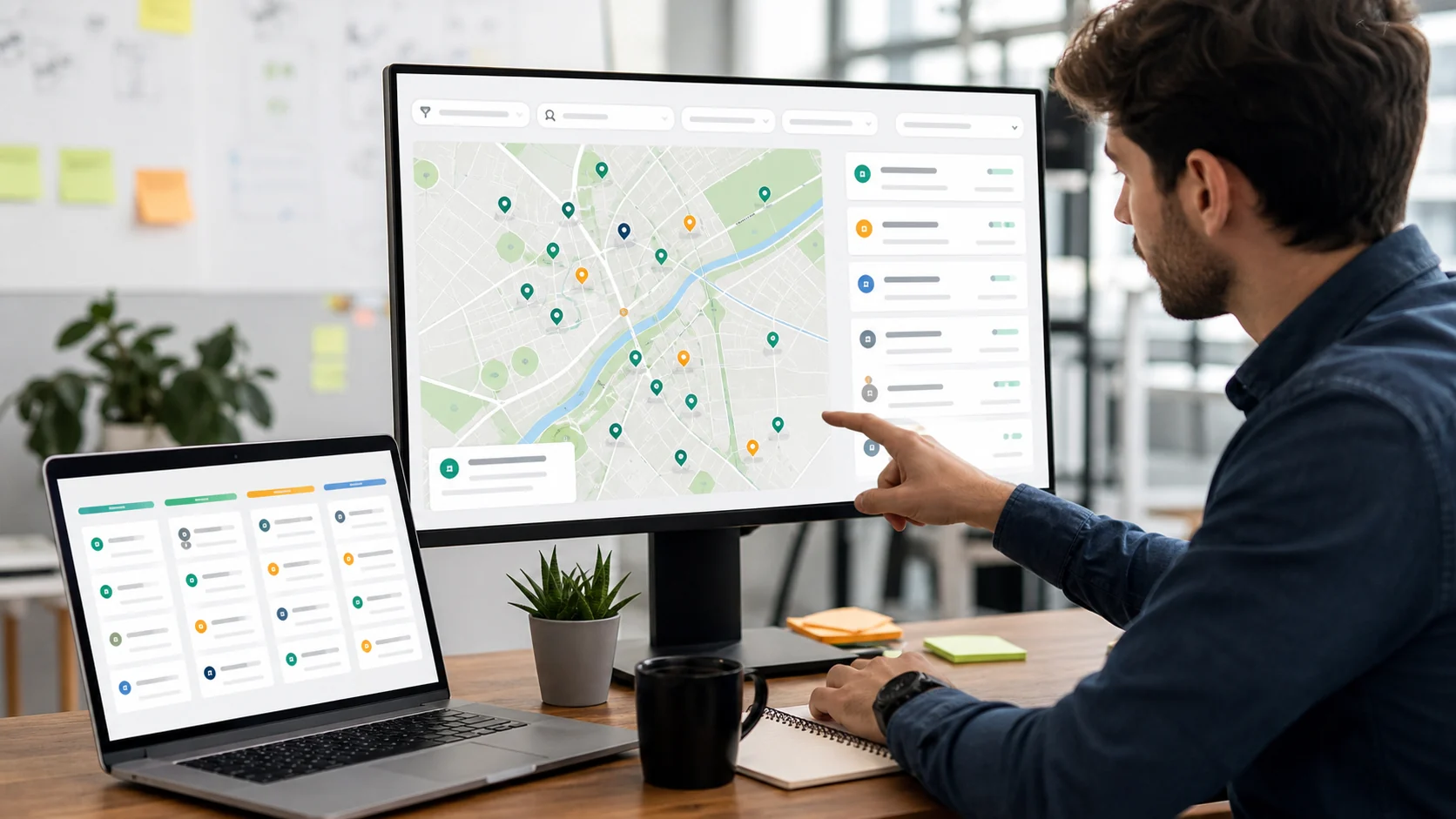
Find Local Business Leads by City, Category, and ZIP
To find local business leads by city, category, and ZIP, define the territory first, choose a category that matches the service you sell, and keep the address, website, contact, review, and opportunity evidence beside every record. Margo helps you search local businesses by category, city, country, and keyword; use the ZIP or postcode as a boundary to validate the returned addresses and remove records that fall outside the territory.
The goal is not the biggest list. It is a list where each row answers four questions: Is this the right business? Is it in the territory? Is there a reason to investigate it? Is there a usable path to continue the research?
A city, category, and ZIP local business leads workflow keeps those answers together instead of leaving the agency to reconstruct them from a raw export.
The best tools for finding local business leads by city, category, and ZIP code are the ones that make those checks easy to repeat and easy to explain.
Why does city and ZIP precision matter?
Location affects both relevance and the offer you can make. A web designer selling to one metro area may not want a list spread across the whole state. A local SEO consultant may need businesses inside a service radius. A franchise or multi-location agency may need comparable ZIP clusters for several territories.
City names are not always precise enough. A search for “dentists in Chicago” can include a large area with very different neighbourhoods, while a ZIP or postcode check helps you decide whether a record belongs to the territory you actually serve. Use the boundary to validate the address, not to imply that every result is automatically correct.
How should you choose the category?
Start with the buyer problem, then choose the category. “Businesses in Austin” is too broad to guide qualification. “Independent dental practices in Austin that need a clearer appointment path” gives you a category, a market, and a reason to inspect the record.
| Service you sell | Useful category starting point | Evidence to inspect |
|---|---|---|
| Website or conversion work | Restaurants, salons, clinics, trades | Website, booking, menu/service pages, phone, reviews |
| Local SEO | Accountants, dentists, home services | Location pages, listing consistency, reviews, service coverage |
| Reputation or review work | Hospitality, healthcare, personal services | Rating, review count, recurring themes, response pattern |
| Paid or organic acquisition | High-value local services | Offer clarity, contact route, service area, demand signals |
| Data or sales support | Any focused local category | Business identity, contactability, location, duplicate risk |
How do you build a city/category/ZIP search in Margo?
Use a small query matrix instead of one broad search.
- Name the territory. Choose one city and one ZIP or postcode cluster. If you serve a radius, write the boundary down before searching.
- Choose the category. Use a category customers and listings actually use, then add a keyword only when it improves the business fit.
- Run the local search. In Margo, set the country and city, then use the category and keyword fields to keep the result set focused. When ZIP is not the search field, treat the address check as a required validation step.
- Keep the evidence fields. Save name, address, phone, website, Maps URL, review score, review count, social profiles, and email where available.
- Validate the boundary. Check the returned address against the target ZIP or postcode. Flag nearby results that are useful but outside the intended territory instead of silently mixing them into the list.
- Deduplicate. Match on business name plus address, phone, website domain, or Maps URL. A second listing is not a second opportunity unless it is a genuine location with a distinct buyer path.
- Add the reason to investigate. Note the missing, unclear, or fixable customer action that connects the record to your offer.
- Review before handoff. Open the strongest records, verify that the business is active, and remove stale or mismatched entries.
For a practical way to rank the shortlist after the location check, use the local business opportunity score framework as a starting point and adjust the factors to the service you sell.
What fields belong in a clean local lead list?
Keep enough context for a second person to understand the record without repeating the search.
| Field | Why it matters |
|---|---|
| Business name and category | Confirms the identity and service fit |
| Full address and ZIP/postcode | Confirms territory and supports local routing |
| Website and Maps URL | Lets you verify the current customer path |
| Phone and email where available | Shows how the business can be researched further |
| Review score and review count | Adds activity and customer-experience context |
| Social profiles | Shows whether the business relies on a third-party or social path |
| Opportunity note | Explains why the row deserves manual attention |
| Verification date | Makes the freshness boundary visible |
How do you qualify local leads after the search?
Use a 10-point score as a prioritisation aid, not as a claim about revenue or willingness to buy.
| Factor | Points | Example evidence |
|---|---|---|
| Territory fit | 0-2 | Address is inside the target ZIP or postcode boundary |
| Category fit | 0-2 | The business matches the service segment you chose |
| Customer-path opportunity | 0-3 | Website, booking, contact, information, or review issue is visible |
| Contactability | 0-2 | Phone, email where available, social, or another usable route |
| Freshness | 0-1 | Listing, reviews, photos, or business information look active |
What should you do with ZIP or postcode edge cases?
Keep three labels separate:
- Inside target: the full business address matches the intended ZIP or postcode.
- Nearby but useful: the business is outside the boundary but still inside the service area.
- Unclear: the record has an incomplete, conflicting, or outdated address.
FAQ
What are the best tools for finding local business leads by city, category, and ZIP code?
Start with one city, category, and ZIP or postcode boundary, then validate every returned address. Keep website, phone, reviews, social, Maps, and opportunity evidence with each record.
Can Margo search by city and category?
Yes. Margo supports local-business discovery by category, country, city, and keyword. Use the ZIP or postcode as a territory check when reviewing the returned addresses.
How do I avoid duplicate local business leads?
Match records using business name plus address, phone, website domain, or Maps URL. Keep separate rows only when they represent real locations with distinct customer paths.
Which categories work best for local lead generation?
Choose categories that match the service you sell, such as restaurants for website work, accountants for local SEO, or clinics for appointment-path improvements. The best category is the one where you can recognise and solve a real problem.
What information should a local lead list include?
Include the business name, category, full address, ZIP or postcode, website, Maps URL, phone, email where available, review score, review count, social profiles, opportunity note, and verification date.
Is a larger local lead list better?
Not usually. A smaller list with verified location, clear service fit, and a specific reason to investigate is more useful than a large export of unverified or duplicate records.
Build one clean city/category/ZIP segment first. Validate the boundary, deduplicate before export, and keep the customer problem next to the contact fields so the list remains useful after the search is over.
When you compare the best tools for finding local business leads by city, category, and ZIP code, score the quality of the verified shortlist rather than the size of the first export.